Ember
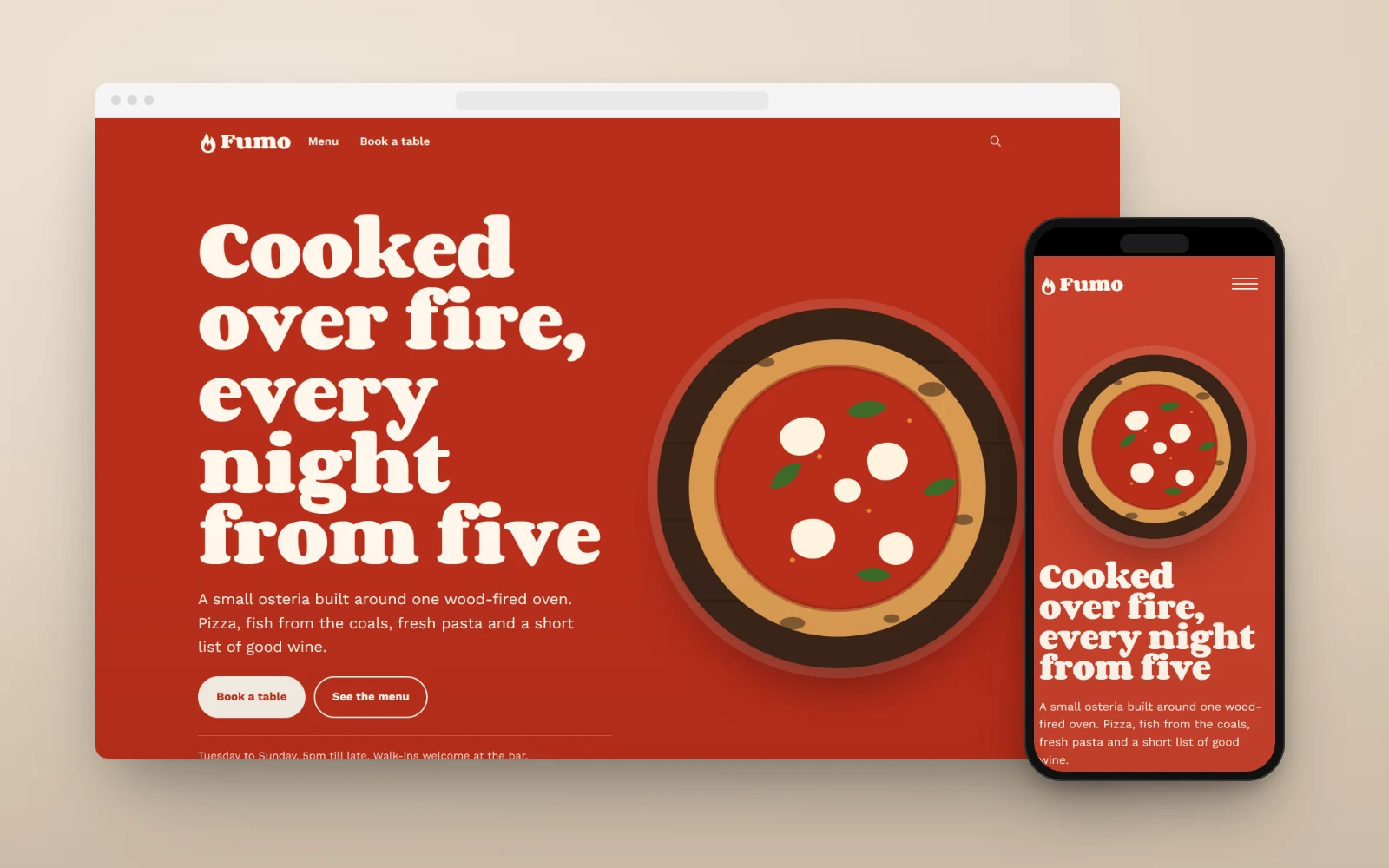
Restaurants, cafés, barsA tomato-red welcome, a printed menu with prices, a slideshow of dishes, a photo grid of the room, opening hours and a booking form.
- Carousel
- Gallery
- Booking form
- Corben and Work Sans
A theme gives a site its look and a head start: colours, fonts and styles, blocks to build with, sample pages to write over, a footer and a form. Pick one on the Themes page of your site's admin app, choose what to take from it, and install.
Every theme comes in light and dark, on phones and desktops. Each is shown with the sample site it comes with, ready for you to write over with your own words and pictures.
A tomato-red welcome, a printed menu with prices, a slideshow of dishes, a photo grid of the room, opening hours and a booking form.
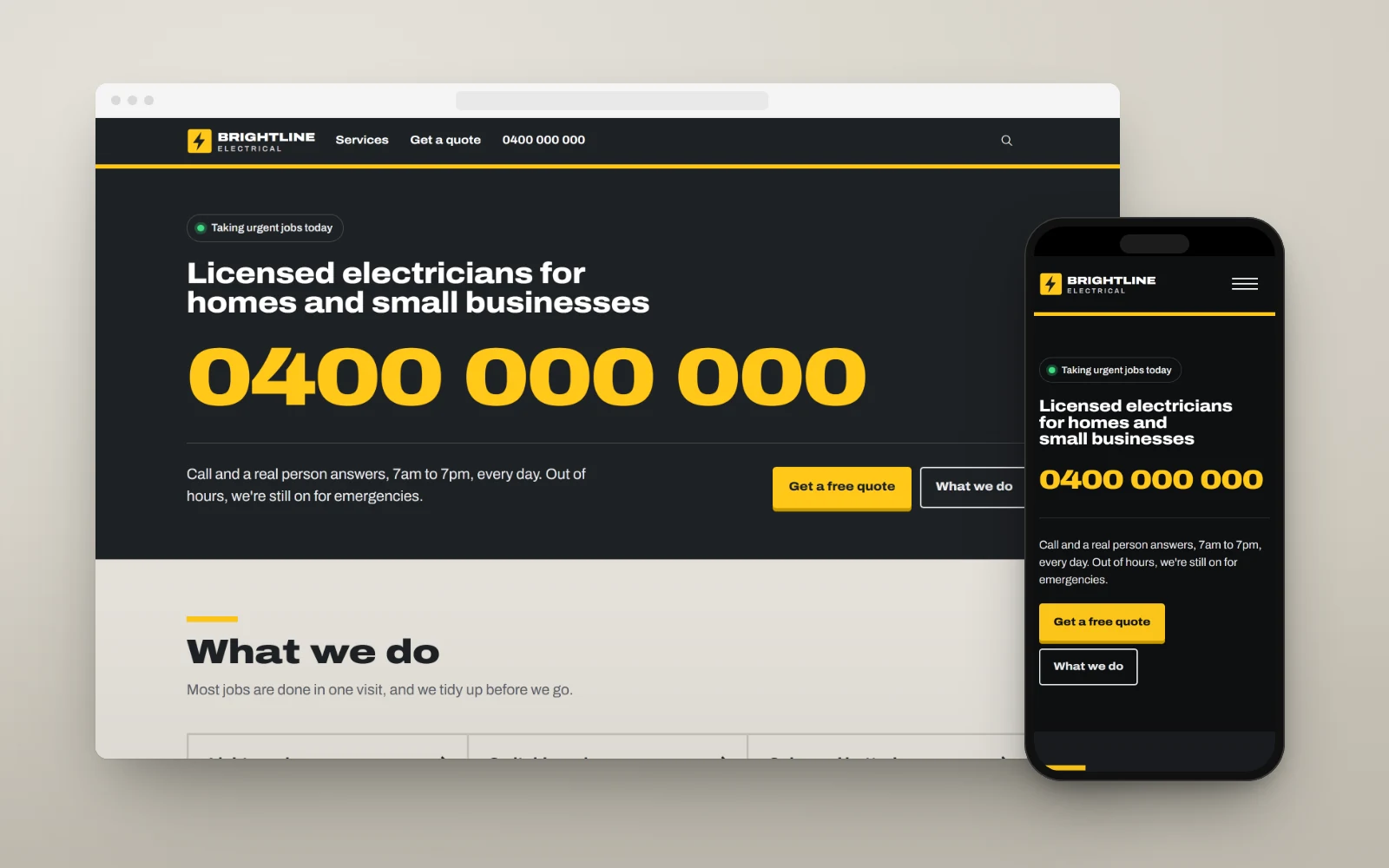
The phone number is the hero, then services, a scroller of recent jobs, the steps from call to finished, the suburbs you cover, and a quote form that takes photos.
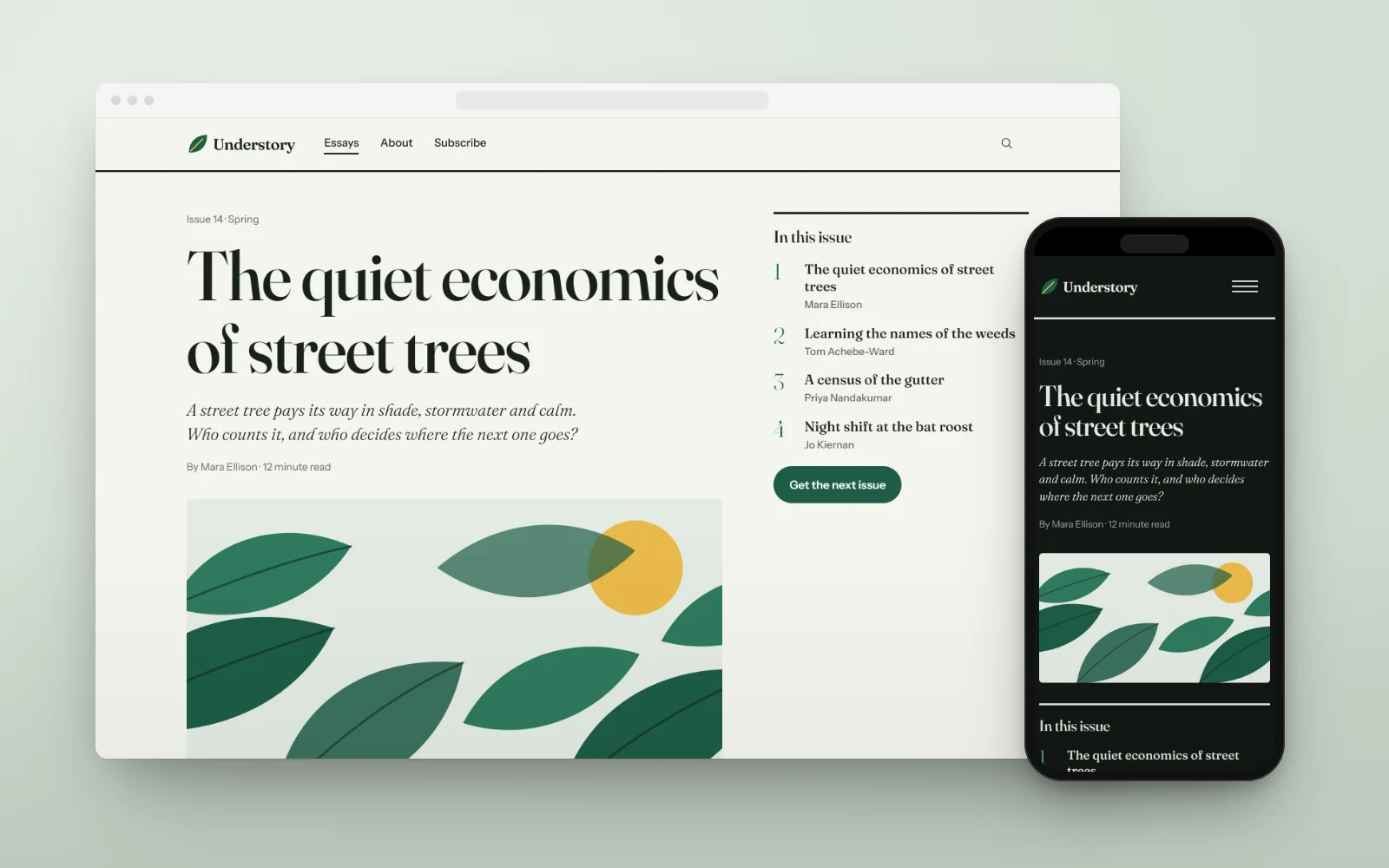
Big serif type at every size from caption to poster, a lead story with the issue's contents beside it, an article template with two articles built from it, and a subscribe form.
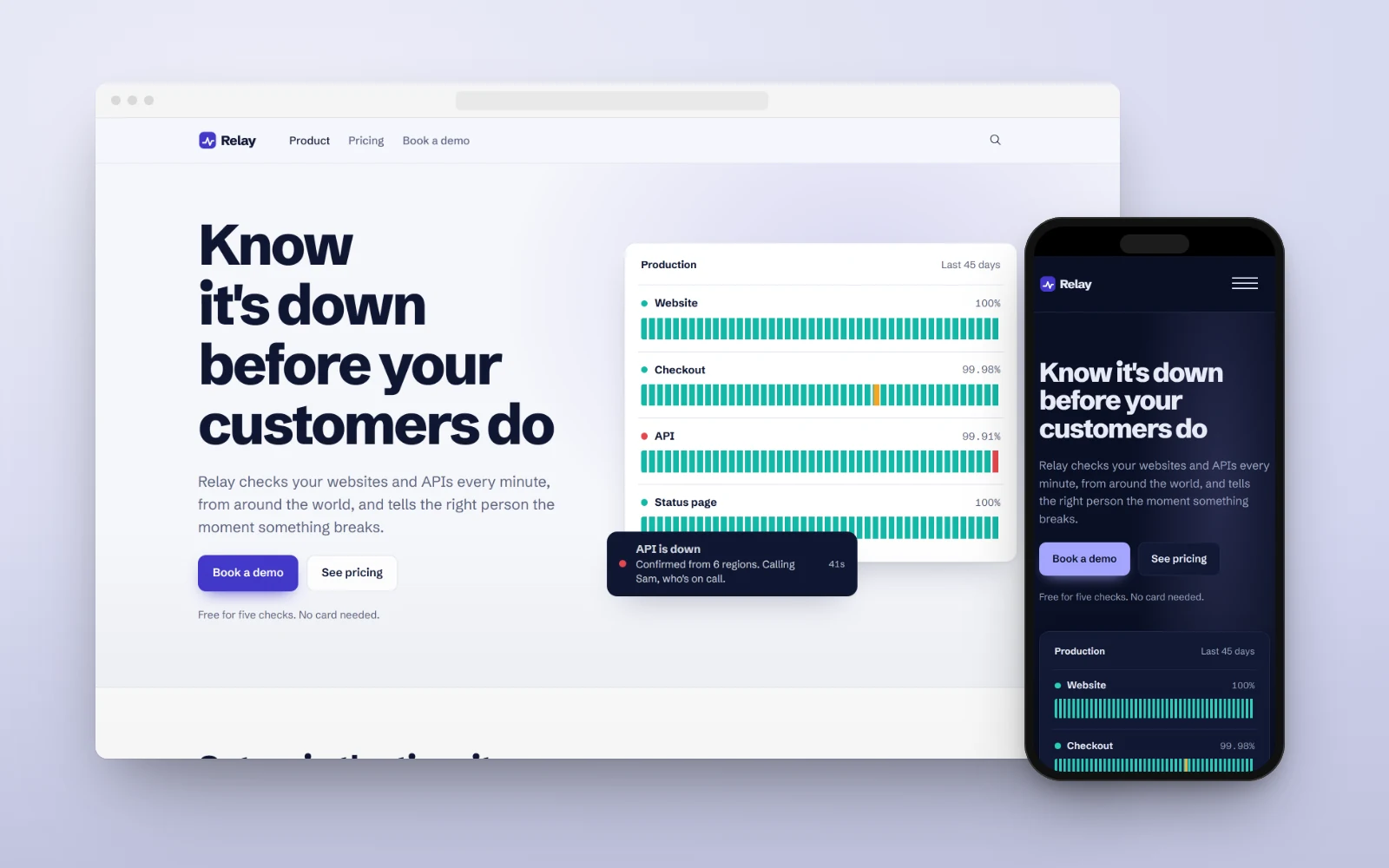
A status board drawn entirely in CSS, a mixed-size feature grid, the steps to get started, price tiers, questions that open without script, and a demo request form.
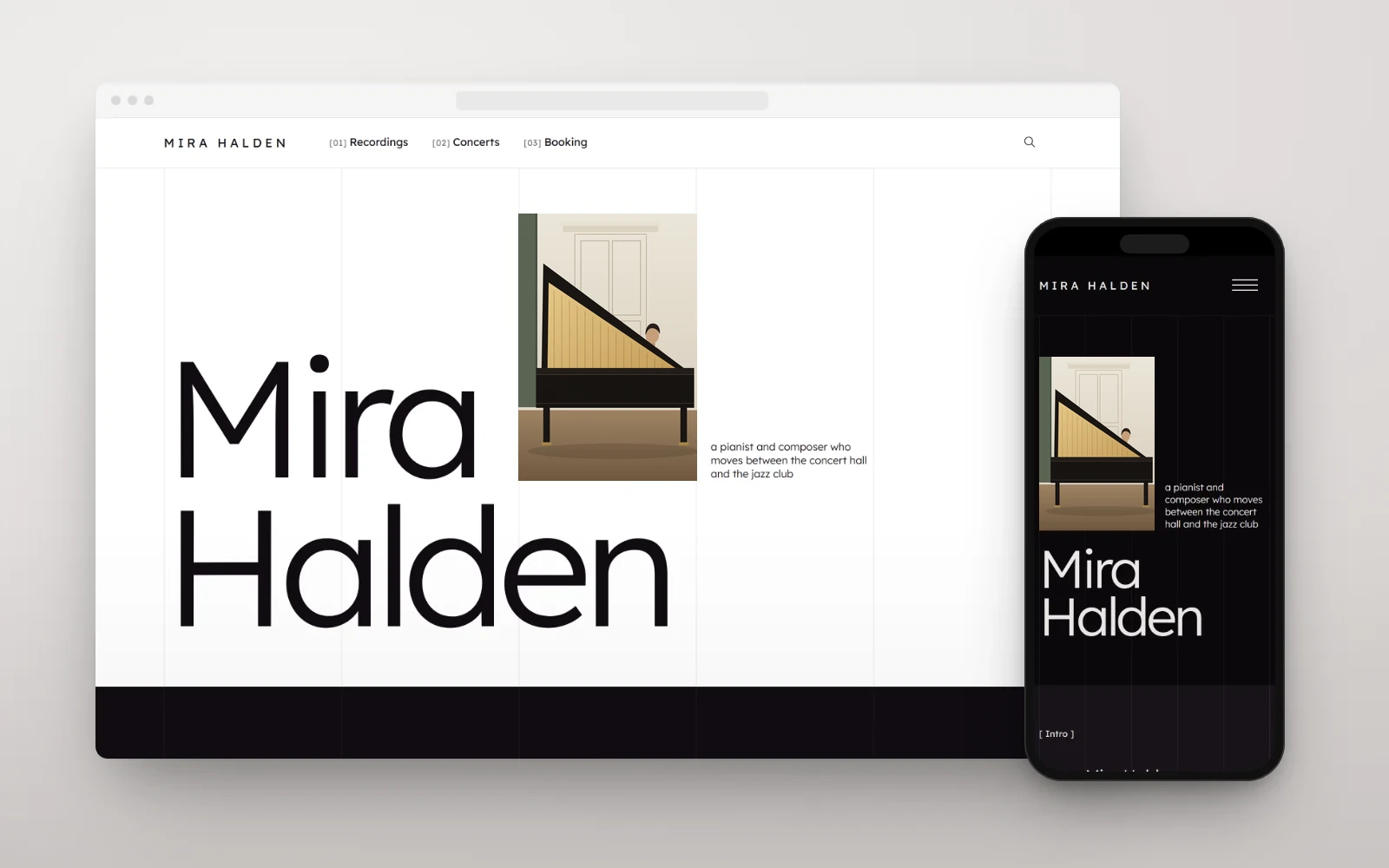
A name as large as the page allows over a drawn column grid, an introduction that brightens as you read it, a band of genres drifting across, releases and concerts as clean lists, and a booking enquiry form.
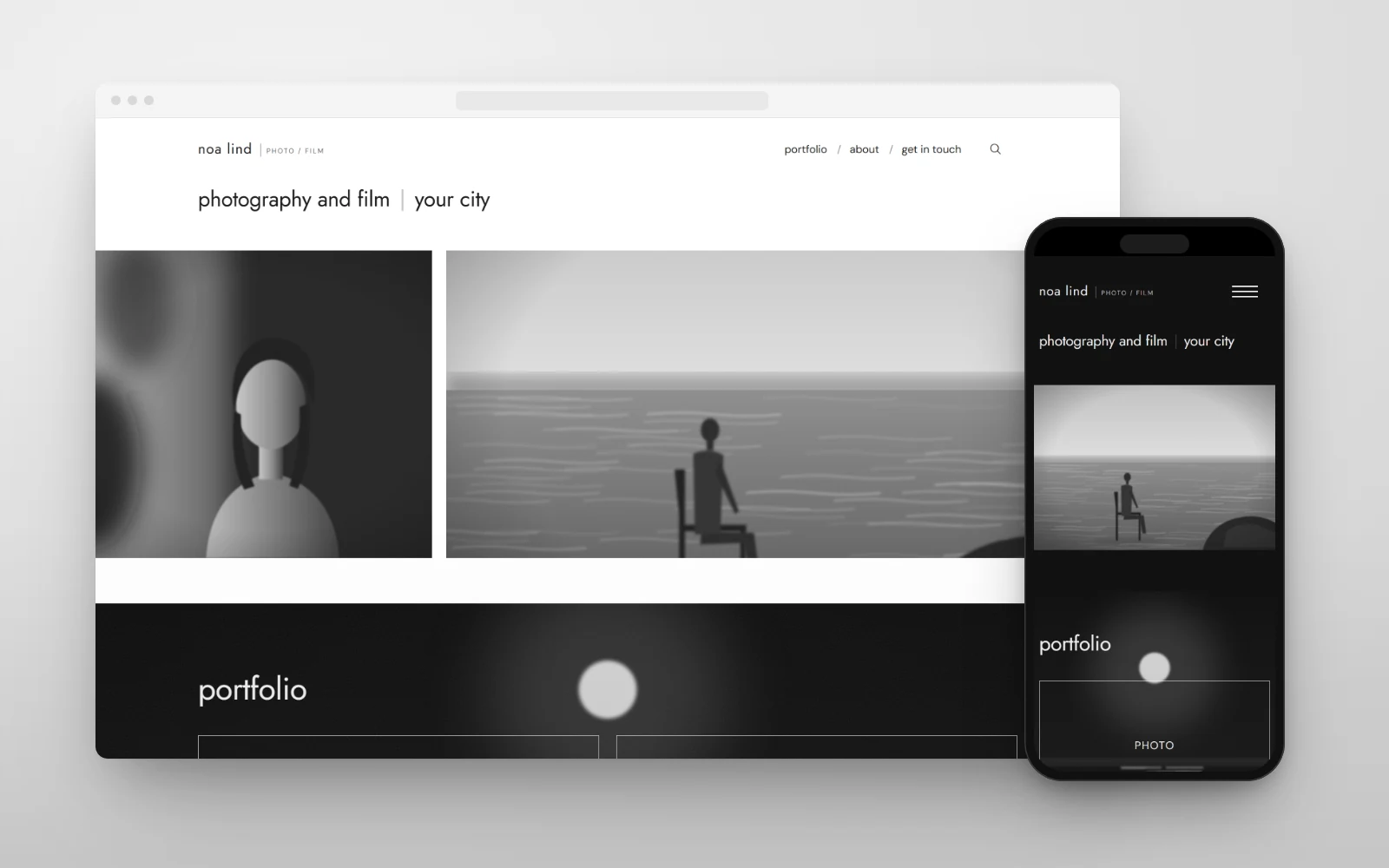
Quiet and monochrome: large photographs with room around them, packages laid out like a price list, a photo grid with captions on hover, a reel of films, and an enquiry form drawn as underlined lines.
Fumo, a small restaurant, starts with nothing. It installs the Ember theme, uploads its own logo, writes three blocks over the sample text, lays out two pages and publishes them.
No code and no designer. Everything you see is the chx4 web admin app, as a site owner uses it.
Install a theme on a site that already has pages and nothing visitors see changes until you choose. What the theme brings is copied into your site once, and from then on it's yours to edit.
Styles, blocks, templates, forms, sample pages and menus are each a tick on the install page. The theme's logo and fonts are only used if you say so.
The theme's styles go at the top of your stylesheet, in a section of their own, so any rule you've written after them still applies.
Sample pages come in as drafts, renamed if you already use their address. The theme's menus are drafted beside your live ones, which stay live until you publish.
The theme's blocks, templates and forms are published, ready for the designer. Its footer waits beside yours until you choose it. Forms come without anywhere to send answers, so you choose that yourself.
When a theme's author releases an update, you choose when to take it. Anything you've edited since you installed it is left as you made it.
Theme Builder runs in your browser. Set a theme's colours, fonts and styles, build its blocks, templates and sample pages, and check them the way the platform will.
Submit it for review and, once it's approved, it's on every chx4 web site's Themes page, with your name on each site that uses it. Or download it and install it on your own site straight away.
Colours, fonts, styles, blocks and pages.
Readability, and the package, the way the platform checks it.
Submit it for every site, or install it on your own.
We'll build it with you, live: blocks, a menu and a working form, ready to publish by the end of the call.